

Writing a script that works once is one milestone. Writing scripts that stay reliable, reusable, and debuggable over time is another — and that's the focus of this article, which also covers some of the more advanced building blocks for embedding code directly into your simulation workflow.
Recording capabilities — useful, but not a shortcut to "real" code. Mechanical can record the operations you perform in the GUI and automatically generate corresponding code. This is genuinely useful for discovery — figuring out what function or property corresponds to an action you already know how to do by hand. However, there are several important caveats:
- Recorded scripts are not portable between models. Every object in the tree, and every geometry element, carries an internal ID, and that ID will differ from one model to the next. A script generated by recording on Model A will typically not run correctly, unmodified, on Model B.
- Not everything gets recorded. Recording is still under active development, and some workflows simply won't be captured.
- Code from unpublished API may change in future Mechanical versions, since it isn't part of the officially supported, stable API surface.
The honest framing from the deck is worth repeating directly: recording is very useful for finding the information you need, but not necessarily for giving you proper, production-ready code. Treat it as a discovery tool, then clean up and generalize what it produces.
Embedding code directly in the simulation: Python Code and Python Result objects. Beyond the general scripting console, Mechanical supports two special objects that let code execute automatically as part of a simulation:
- A Python Code Object can insert a command that runs before solving, is typically used to perform calculations (rather than to display results on the model), and can be inserted essentially anywhere in the tree.
- A Python Result Object can only be inserted under Solution, and comes in two flavors: a Script, used to extract, manipulate, and display results (built on top of DPF, Ansys's data processing framework), and a Property Provider, used to customize the Details view — for example, giving results custom names or properties.
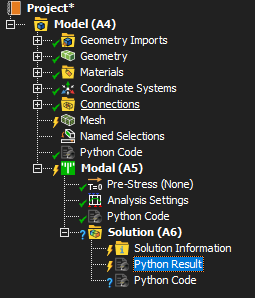
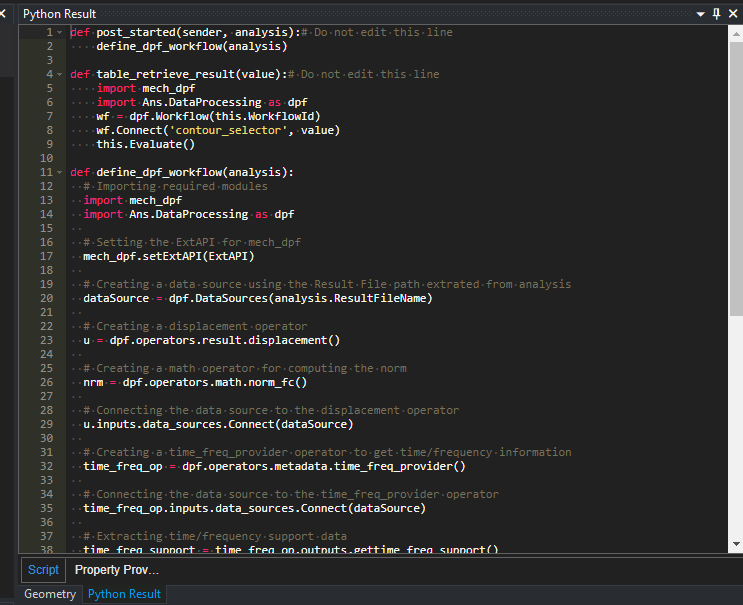
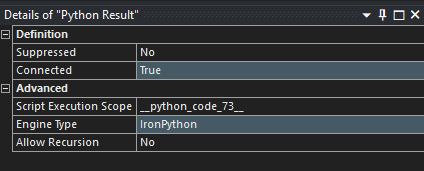
These objects are how "in-product" scripting moves from a one-off console session into something that's a persistent, living part of the model itself.
Saving and managing script-driven buttons. Once a script is promoted to a button, clicking it runs the underlying script directly against the current model — the deck's example shows a "5K image" button that captures and saves a screenshot at a defined resolution using a short embedded script.
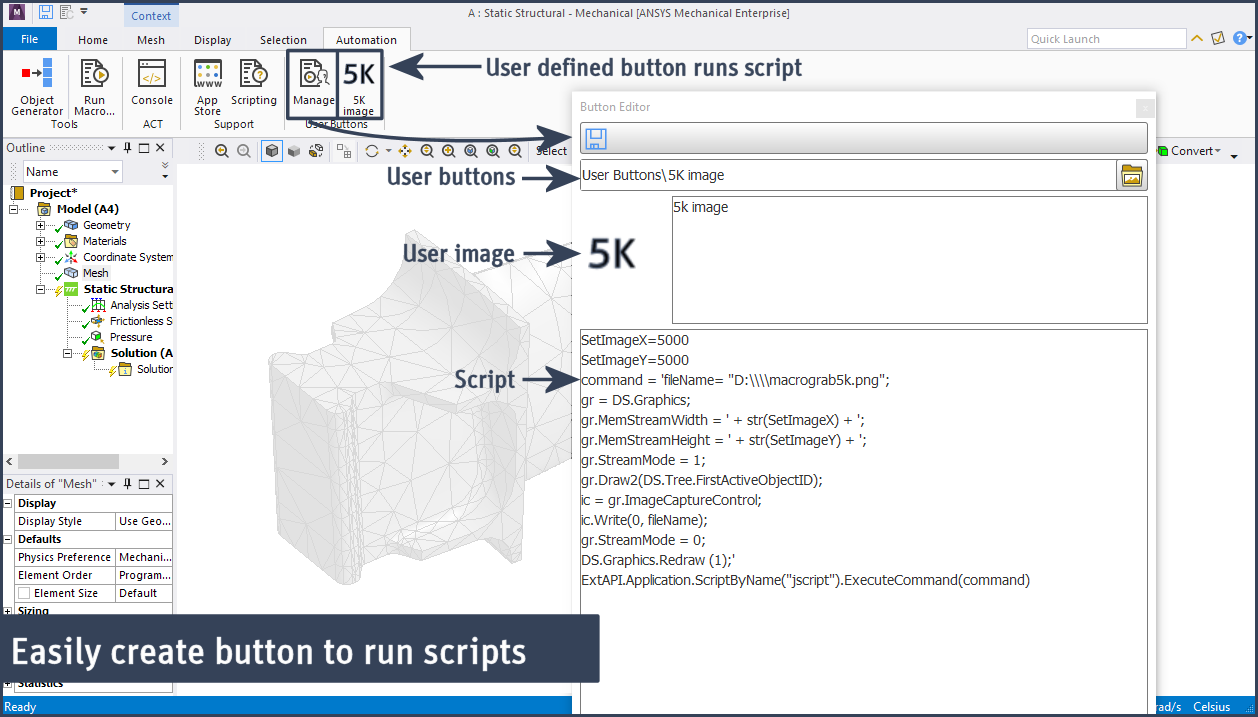
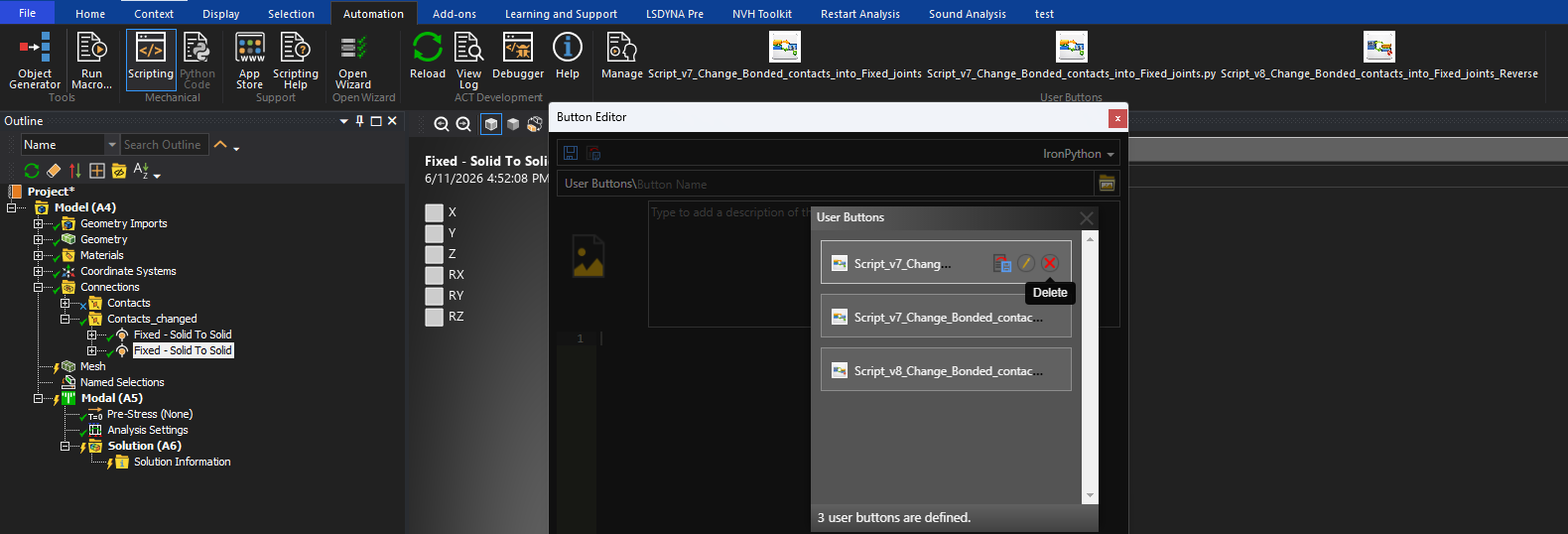
Buttons can also be managed after the fact: the same Button Editor used to create them lets you select an existing button and remove it via a Delete action, keeping your User Buttons list tidy as scripts evolve.

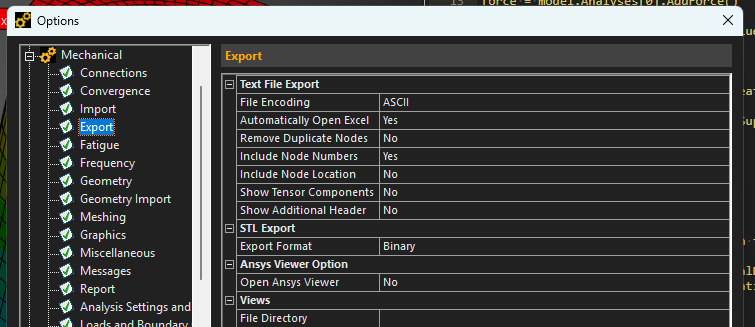
A small but important setup tip: include node numbers. For post-processing work, it's recommended to make sure node numbers are included, which is configured in Mechanical under File → Options → Export, via the "Include Node Numbers" setting.
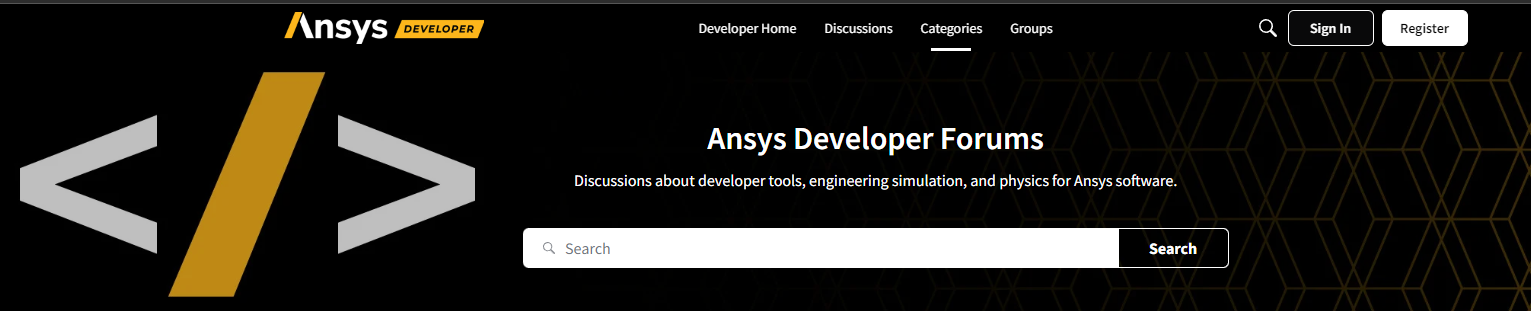
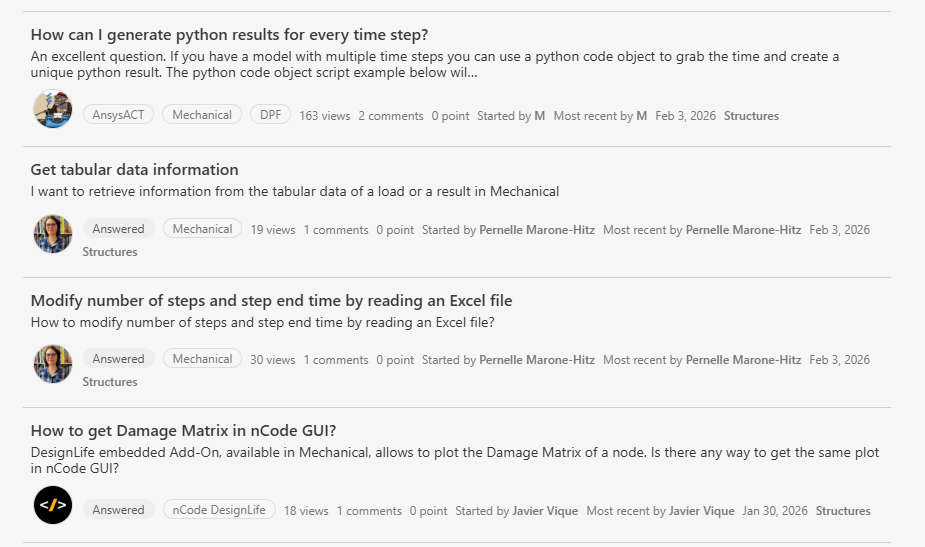
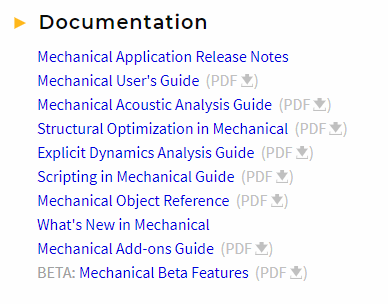
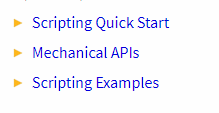
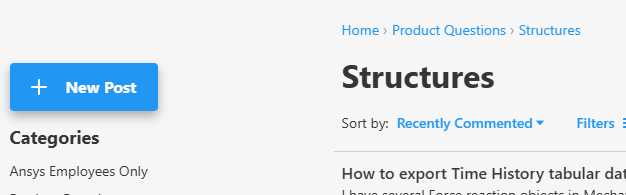
Where to go when you're stuck. Two official channels are called out specifically: the Ansys Developer Forum, at discuss.ansys.com — once logged in, you can post questions directly to the community — and the Ansys Help documentation site, which includes reference material such as the Mechanical User's Guide, the Scripting in Mechanical Guide, and the Mechanical APIs and Scripting Examples references.
Put together, this article's throughline is really about sustainability: recording gets you started but shouldn't be your final script; Python Code and Result objects let logic live inside the model rather than in a separate file you have to remember to re-run; button management keeps your custom tools organized; a small options tweak (node numbers) prevents avoidable post-processing headaches; and the forum and Help documentation are there for the moments a deck like this one can't fully answer. The final article looks at where to go once you've outgrown beginner territory.
